
Lovable Setup
Install Meta Conversions API on a Lovable site with the "Set up with your AI agent" option: you connect PixelFlow to Lovable as an MCP server, and the agent runs the setup with you.
Start setup and choose Lovable
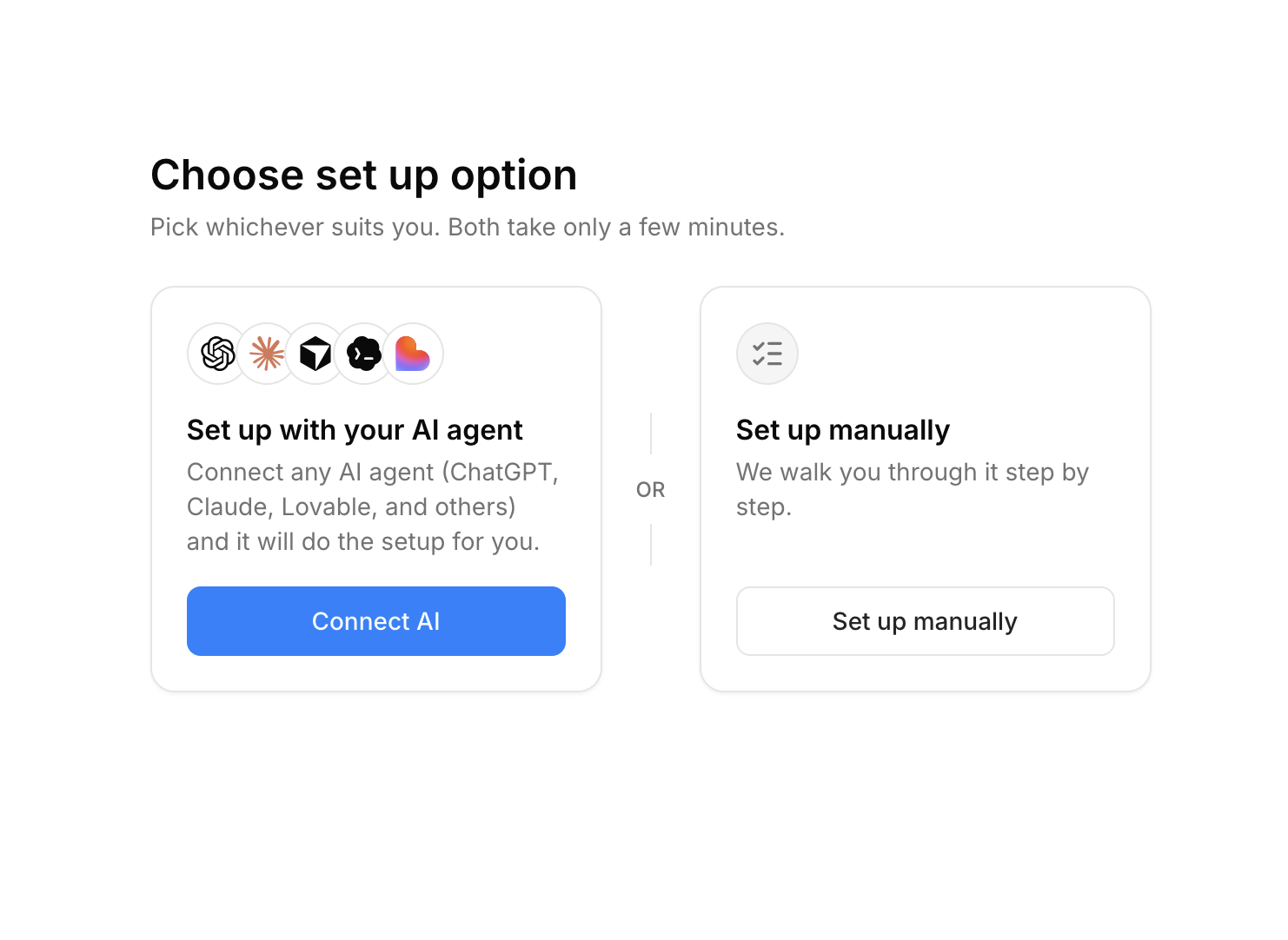
In PixelFlow, start setting up your site to reach the "Choose set up option" screen.
Choose Set up with your AI agent and click Connect AI.
Choose Lovable.
Connect PixelFlow to Lovable
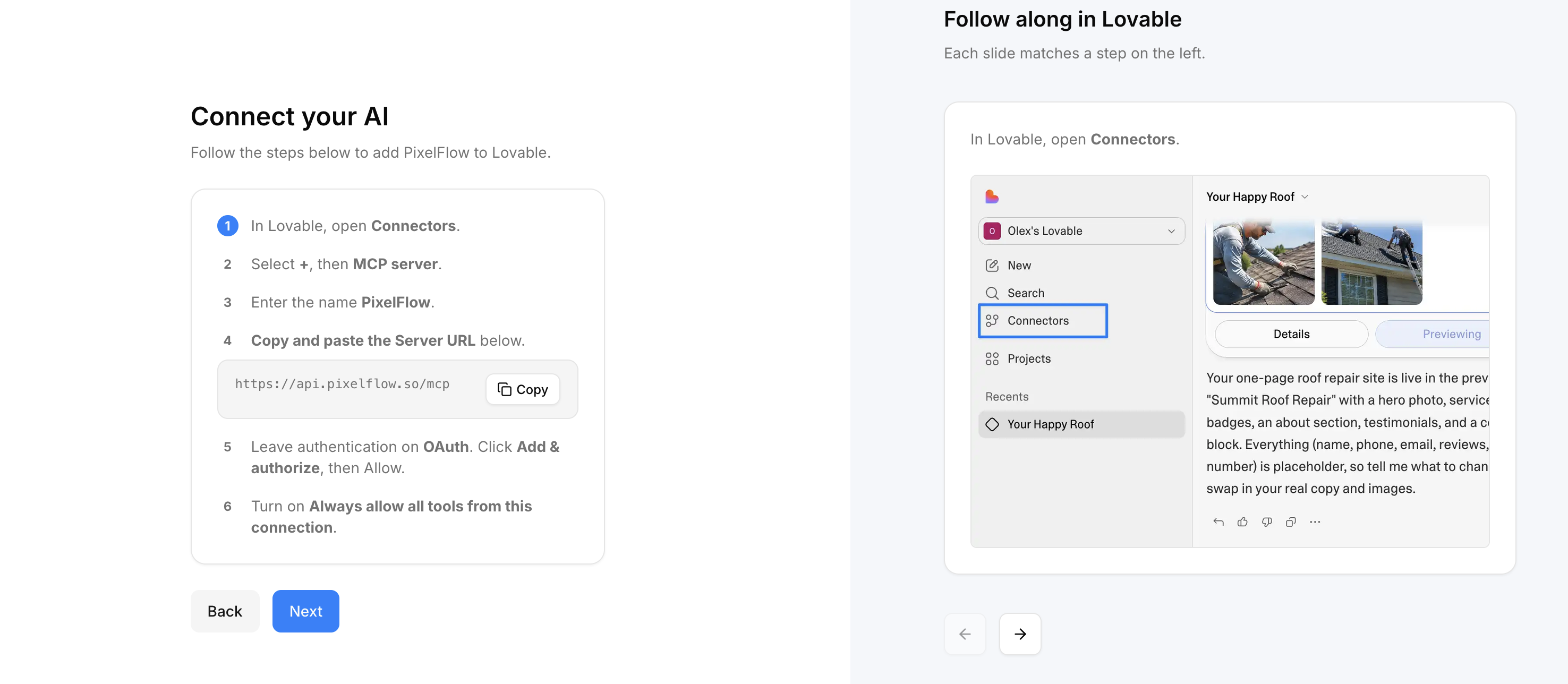
Add PixelFlow as an MCP server in Lovable. The setup screen walks you through these steps and shows the server URL to copy.
In Lovable, open Connectors.
Select +, then MCP server.
Enter the name PixelFlow.
Copy and paste the server URL
https://api.pixelflow.so/mcp.Leave authentication on OAuth. Click Add & authorize, then Allow.
Turn on Always allow all tools from this connection.
Finish the setup with Lovable
Click Next once the steps are done. Your Lovable agent creates or updates your PixelFlow site, hands over the install steps with your snippet filled in, connects an ad platform, and checks that tracking works. For everything the agent can do, see MCP - Connect your AI Agent to PixelFlow.