
Cloudflare Blocking PixelFlow Script in WPCode (WordPress)
Issue: Cloudflare blocks the page with a "You have been blocked" error when saving the PixelFlow snippet
Why This Happens
When you click Save in WPCode, your browser sends the PixelFlow script to Cloudflare as part of the request. Cloudflare's Web Application Firewall (WAF) scans that content and flags it as a potential XSS (cross-site scripting) attack.
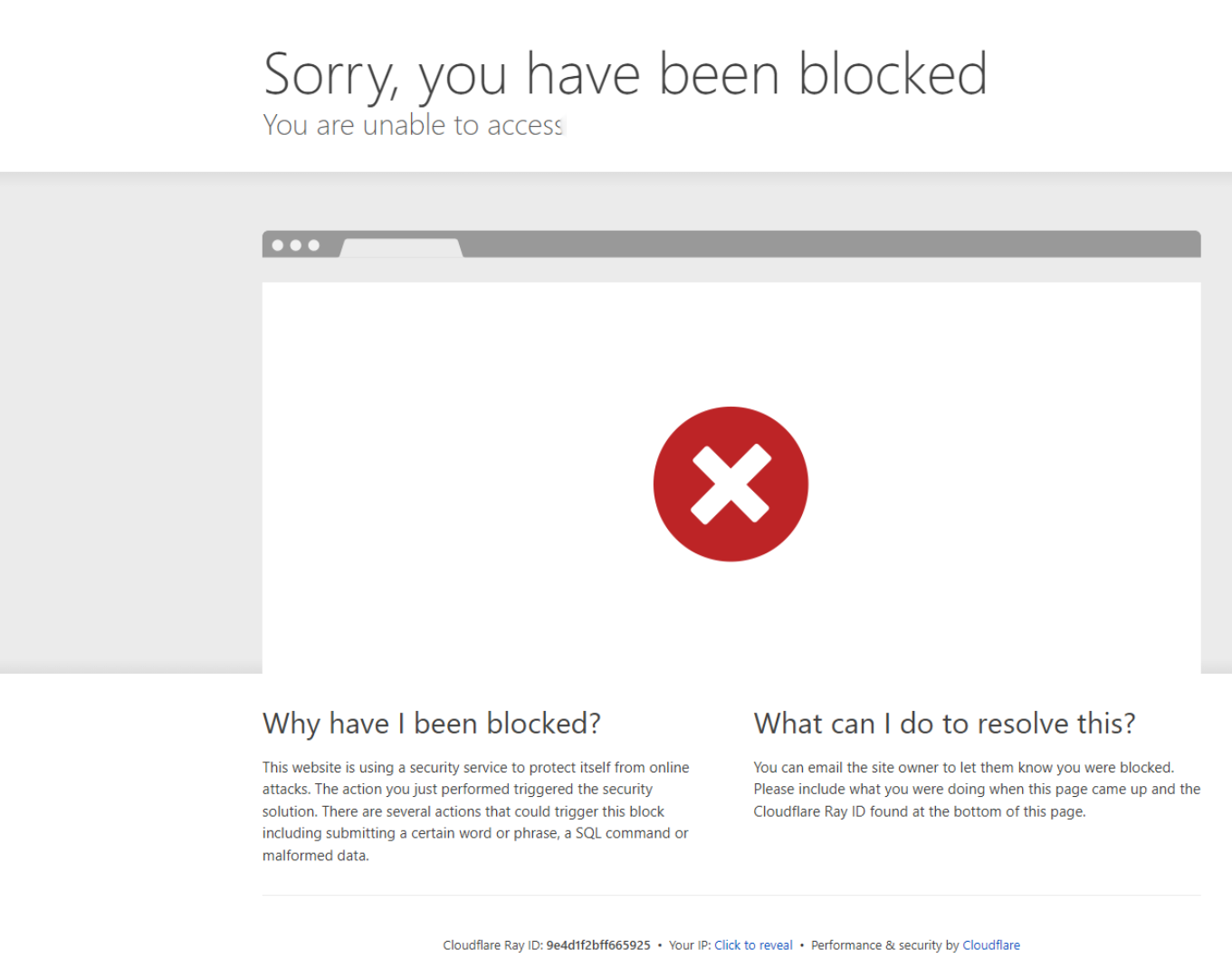
This is because the PixelFlow script contains patterns that look suspicious to an automated security scanner - things like DOM manipulation and references to external URLs. It's a false positive. The script is completely safe, but Cloudflare can't tell the difference.
The fix is to add a WAF rule that tells Cloudflare to skip its scan when you're saving inside WPCode.
The Fix
Log in to your Cloudflare dashboard at dash.cloudflare.com
Select your domain
In the left sidebar, go to Security → WAF
Click the Custom Rules tab
Click Create rule
Name it something like
Allow WPCode SaveUnder If incoming requests match... set:
Field: Full URI
Operator: contains
Value:
wpcode-snippet-manager
Under Then take action... select Skip
Check All remaining custom rules
Click Deploy
Then go back to WPCode in your WordPress admin and try saving the snippet again. It should go through straight away.
Important: Use "Full URI" not "URI Path"
Make sure you select Full URI as the field in step 7, not URI Path. The WPCode page URL looks like this:
/wp-admin/admin.php?page=wpcode-snippet-managerThe wpcode-snippet-manager part is a query parameter, not part of the path. If you use URI Path, Cloudflare will never match it and the rule won't work.
Still Blocked?
If you're still seeing the block after adding the rule, check the Cloudflare Ray ID shown on the blocked page and contact us at [email protected] with that ID. It will help us identify exactly which rule is triggering the block.